
I am often asked how to change my Google locations. People also want to know how to remove them for privacy reasons.
UPDATE: I have updated this post Jan 2026 to cover changes in the app and added images
To change your home and work locations on Google Maps, follow these steps:
- Open Google Maps on your device.
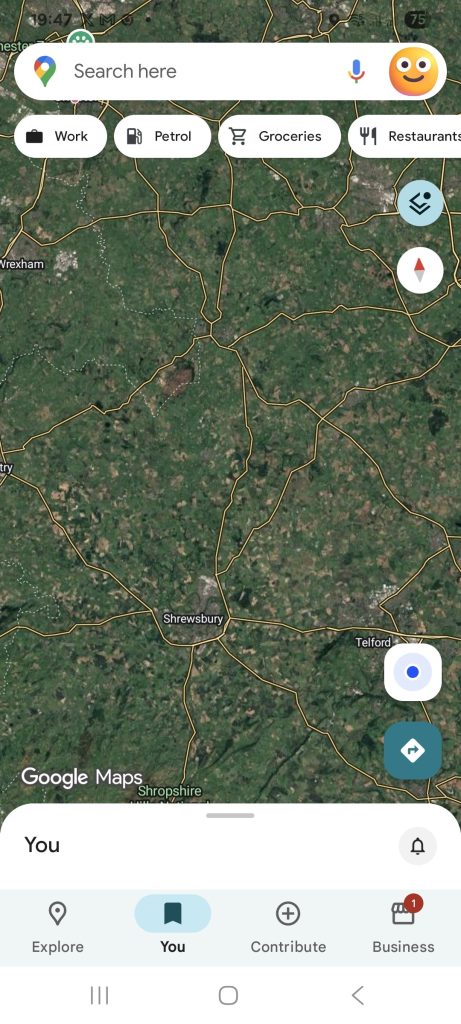
- Tap on the “You” button at the bottom of the screen.
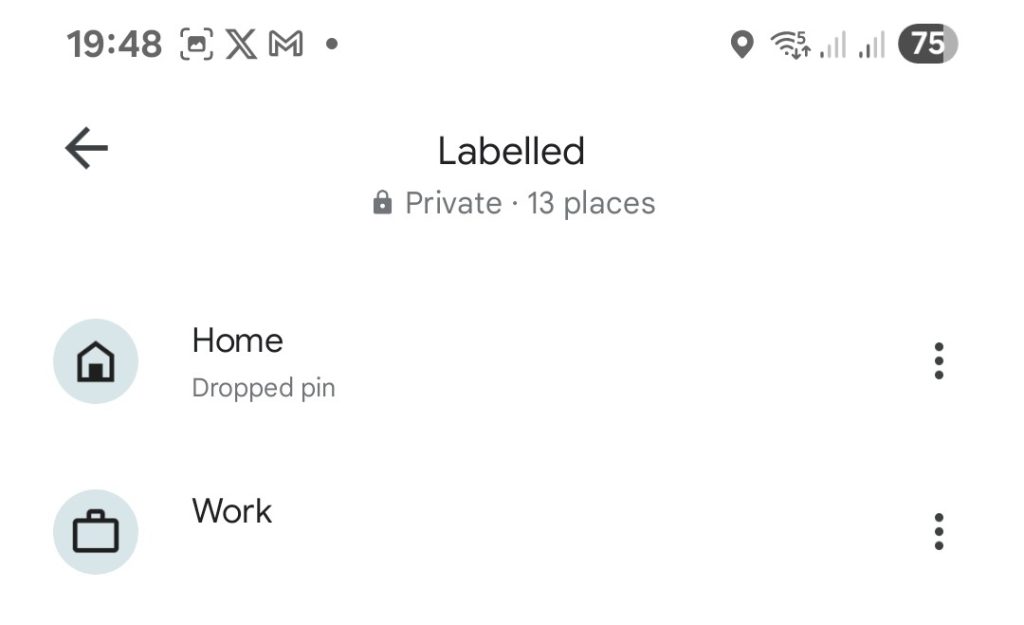
- Tap on “Labelled”
- Tap on “Home” or “Work” and then tap on the three dots in the top right corner of the screen.
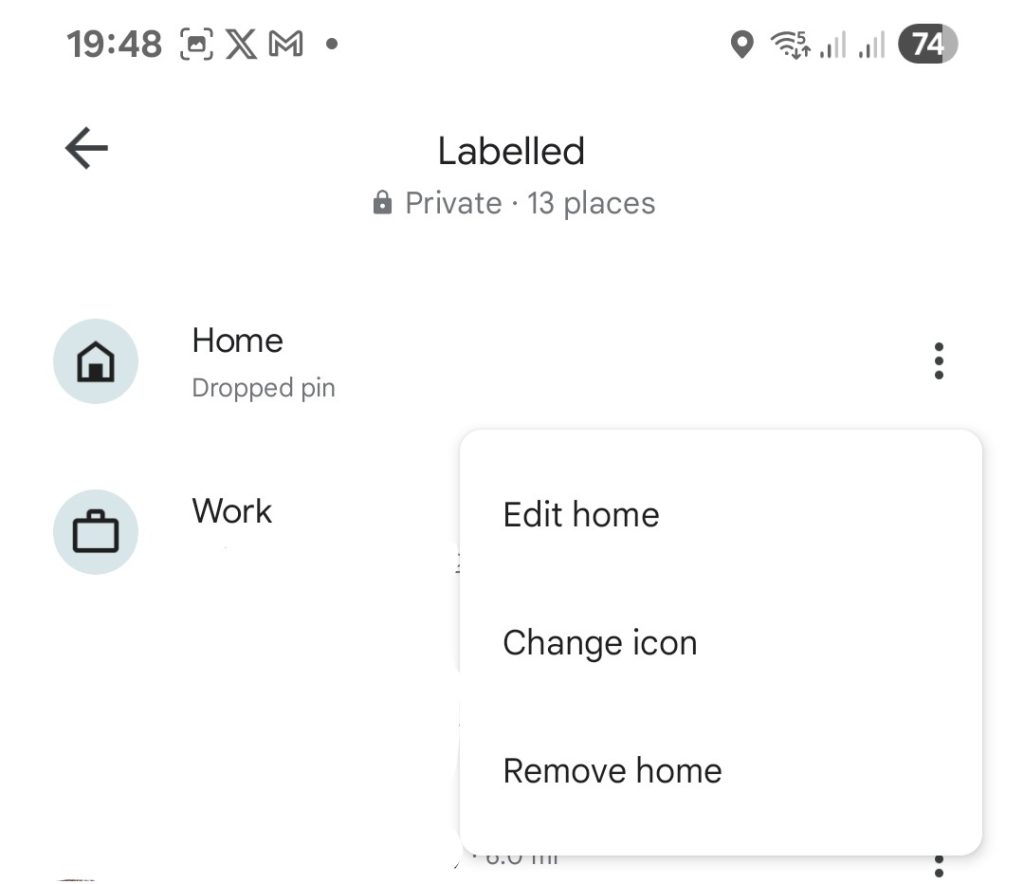
- Select “Edit” either Home or Work from the dropdown menu or drop a Pin
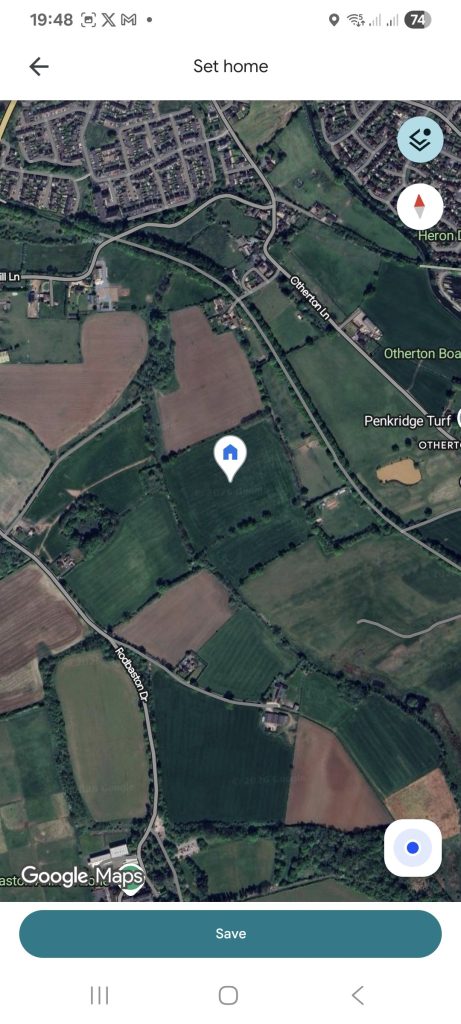
- Select Save
- Tap “Done” to save the changes.
Alternatively, you can update your home and work locations by searching for the new address in Google Maps. Then select “Set as home” or “Set as work” from the location information page.
It’s worth noting that if you have location services enabled on your device, Google Maps will use your current location. It provides you with traffic updates and estimated travel times to your home and work locations.


Mine does not have a ‘my places’.
No way available to change my Home screen sadly.