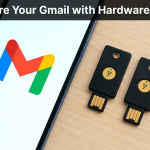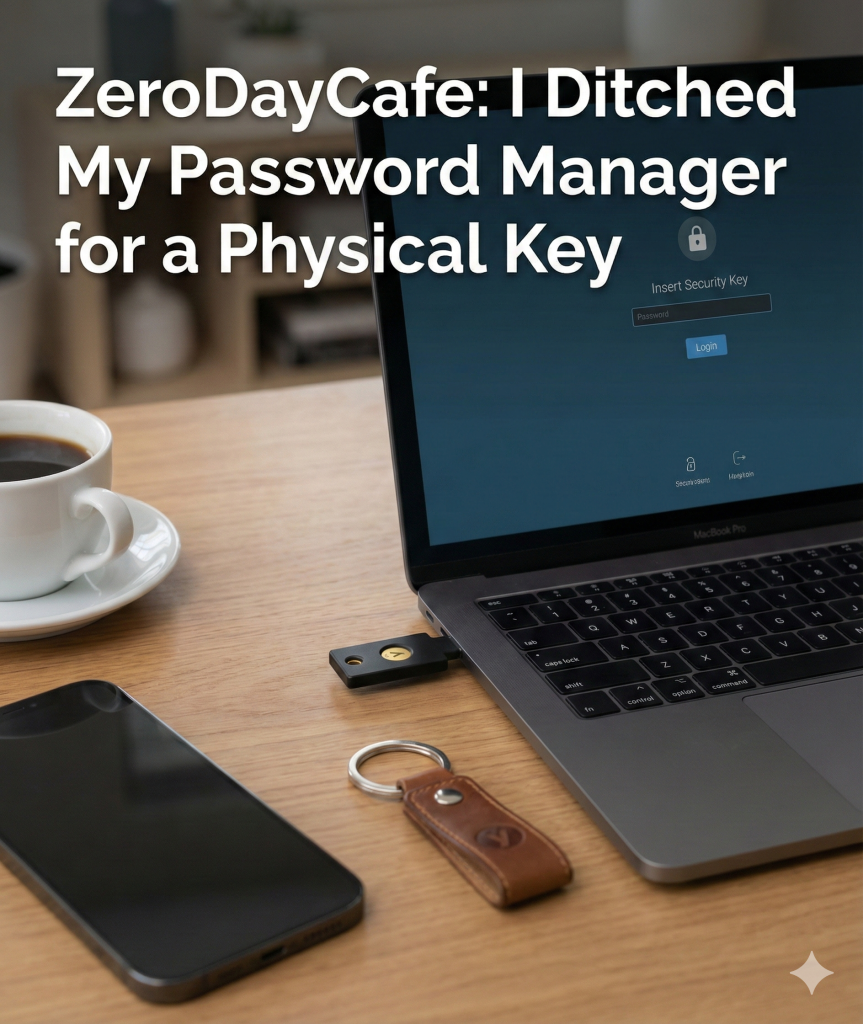

I was terrified of losing my YubiKey.
The idea of getting locked out of my digital life because I dropped a USB stick down a drain kept me up at night. It felt like a massive step backward to carry a physical item just to check my email.
But after a week of tapping a button instead of typing complex passwords? I realized I’ve been doing security the hard way.
What is a Hardware Key?
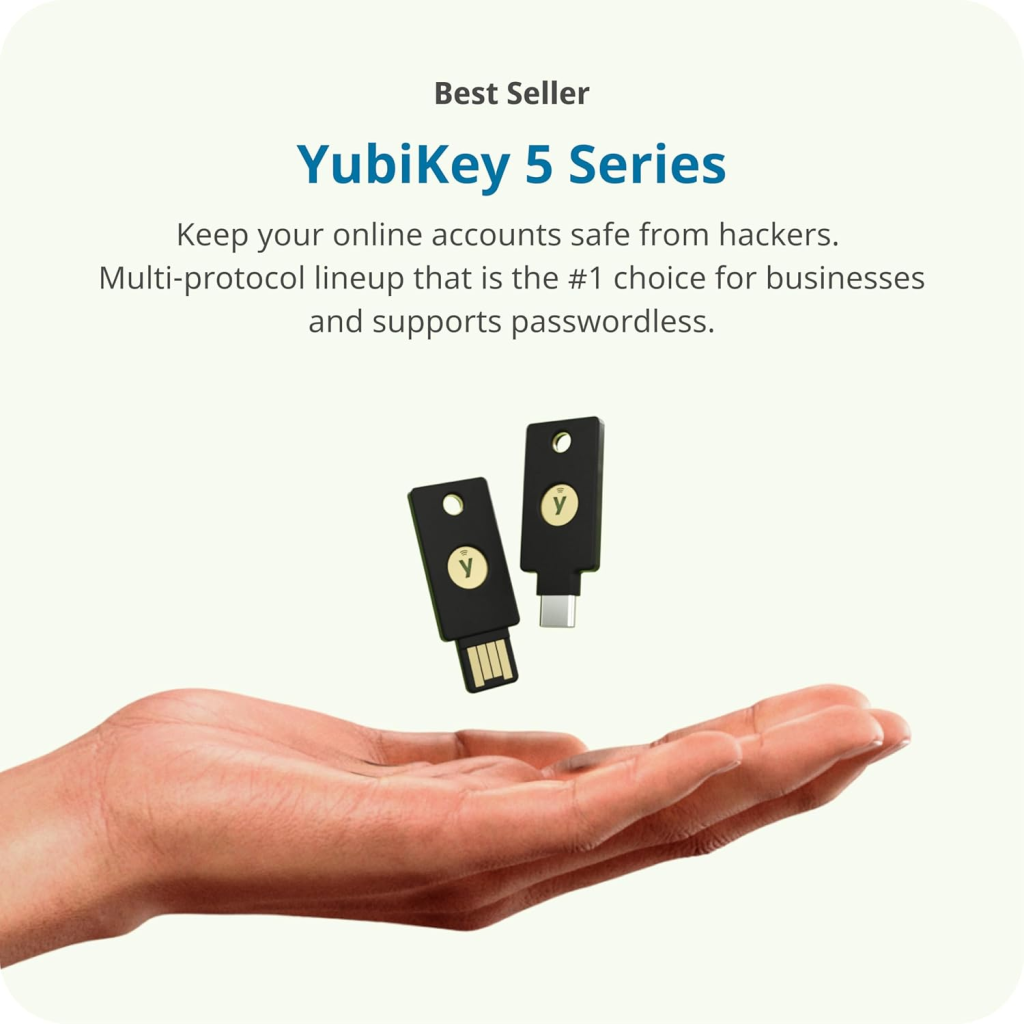
Think of it like a house key for your digital accounts.
Instead of relying solely on a password (which can be stolen) or a text message code (which can be intercepted), you simply plug this small device into your USB port and tap it.
If you don’t have the YubiKey in your hand, you can’t get in. Neither can the hackers.
The Setup: Easier Than I Thought
I decided to test this on my two most critical accounts: Google (Gmail) and Windows Hello.
- Google: I went to my account security settings, clicked “Add Security Key,” and plugged it in. It took about 30 seconds. Now, when I log in on a new device, I just tap the gold button on the side of the key.
- Windows: This was even cooler. I set it up so that my PC unlocks when I insert the key. No PINs, no passwords. It feels like something out of a spy movie.
The “Oh No” Moment
The big question is always the same: What happens if I lose it?
This was my biggest fear, but the solution is actually simple. You never have just one.
I bought two keys.
- The Daily Driver: This one stays on my keychain.
- The Backup: This one sits in a fireproof box at home.
I registered both keys to my accounts. If I lose my main one, I grab the backup, log in, and remove the lost key from my account settings.
Most services also give you “Backup Codes.” This is a printable list of one-time passwords you can hide somewhere safe just in case you lose everything else.
Is It Worth the £60 Investment?
Yes.
For the price of a video game, I have physically phishing-proofed my most important accounts. I no longer worry about whether a fake login page is trying to steal my credentials.
If the page is fake, the key simply won’t fire. It’s smart enough to know the difference even if I’m not.
Pick one up, register your backup, and enjoy the peace of mind.
Heads Up: Some of the links in this post are affiliate links. If you grab a key through them, I might earn a small commission to keep the coffee brewing, but it costs you nothing extra.