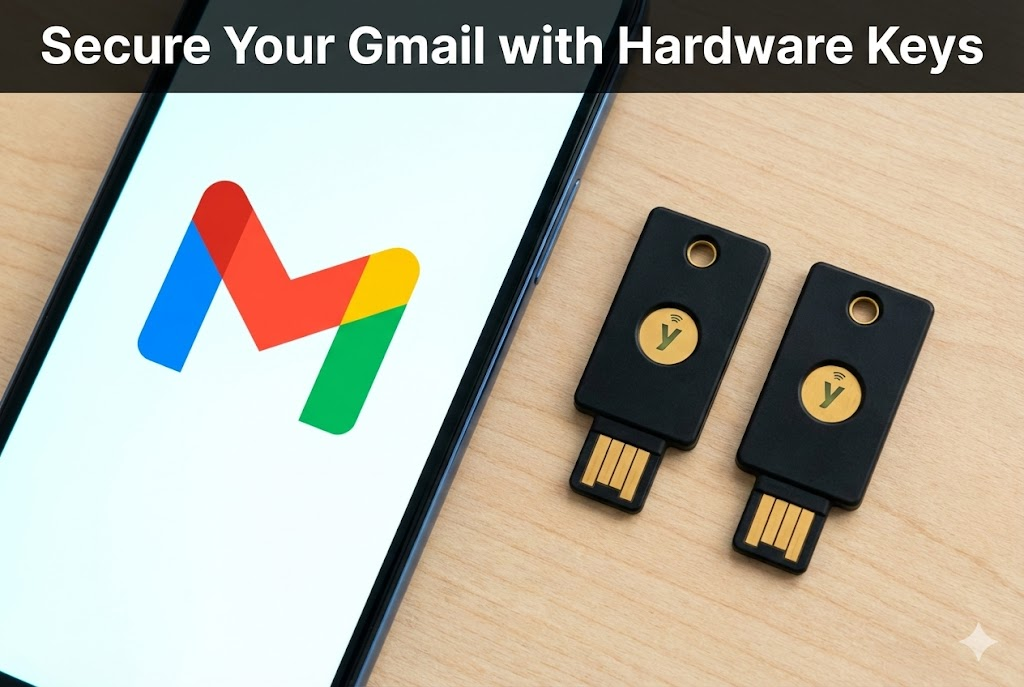

Your Gmail account is likely the master key to your digital life. Think about it. If a hacker gets into your email, they can reset the passwords for your bank, your social media, and your Amazon account.
That is why I stopped relying on just a password.
Setting up a YubiKey for Google is surprisingly fast. Here is exactly how I did it in under two minutes.
The Prerequisites
Before you start, make sure you have:
- Your hardware key (YubiKey, Titan, etc.) handy.
- A backup plan (a second key or a safe place to print codes).
The Steps
- Go to Your Dashboard: Open Gmail, click your profile picture in the top right corner, and select Manage your Google Account.
- Find the Security Tab: Look at the menu on the left side and click Security.
- Enter 2-Step Verification: Scroll down to the “How you sign in to Google” section. Click on 2-Step Verification. You might have to enter your password again here.
- Add the Key: Scroll down until you see Security Key. Click on it, then click Add Security Key.
- The Physical Step: Choose “Physical” if it asks. Now, simply plug your key into the USB port.
- The Magic Tap: When the light on the key starts blinking, tap the gold button or disk.
- Name It: Give it a name like “My Keychain YubiKey” so you know which one it is later.
Don’t Forget the Backup!
I cannot stress this enough. If you lose that key and you don’t have a backup method, you are going to have a bad time.
While you are still in the 2-Step Verification menu, do one of two things:
- Add a Second Key: Repeat the process above with your spare key that lives in your safe.
- Print Backup Codes: Look for “Backup codes” in the menu. Click it, print the list, and put it somewhere safe. These are one-time use codes that let you in if your key goes missing.
That’s It
Now, when you log into a new computer, Google will ask you to insert your key and tap it. No key? No entry.
It is a small change that makes your account nearly impossible to hack remotely.
Heads Up: Some of the links in this post are affiliate links. If you grab a key through them, I might earn a small commission to keep the coffee brewing, but it costs you nothing extra.